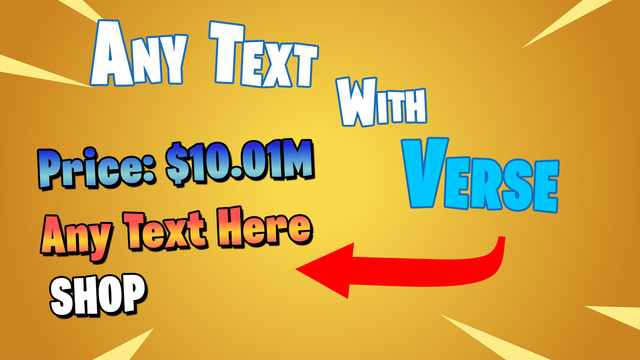
Description
System includes advanced but optimized material and highly efficient verse code.
Multiple example verse devices included too!
Currently supports:
1024x1024 pixels atlas texture with custom 80 characters per each R + G + B channel allowing to store 3 different fonts.
Can change fonts during the game and apply different font for each row (out of 3).
Up to 32 characters per a single row! Can write letters (capital and small), digits and symbols.
Support for custom icons.
By default you will have up to 6 rows.
Verse code uses prepared material instances based on rows number and if you need timer to help you optimized your map!
Multiple progress bars support and switch between them in game. And easy way for you to add more of your own.
Customization split into material only and directly from verse:
Global, which affects all rows:
Face Camera on/off and works with prop scale.
Progress bar controls.
Background image controls.
Glint controls.
And per a single row:
Text scale per row and rows will automatically offset.
Have text gradient with two colors.
Text horizontal alignment (Left, Center, Right).
Outline color.
Parsing markup! So you can simply add text effects with string like so: <2>My Text</>. Now includes 4 effects but can have up to 9.
Adding icons as easy as this: [icon1]MyText.
Included Photoshop script to get your font measurements to use verse (no more manual check!).
Efficient verse code allowing to run many text props at the same time, including timers which split between verse and material logic so run on GPU.
Helpful verse function to convert any float value into string and shortening value to the letter for example 1.55K or 2.5T. Supporting up to quadrillion (Q).
KEEP IN MIND THIS IS COMPLETELY NEW MATERIAL AND VERSE CODE!
SO KEEP YOUR OLD VERSION AS BACKUP IF YOU DON'T WANT YOUR CURRENT SETUP TO BREAK!
Link to the videos covering everything is in the notepad inside the zip folder.
Inside zip you will find .aff (Affinity app) file with atlas template if you want to use your own font. And cheat sheet atlas.
Place unzipped folder in your project Content folder. Restart UEFN if files did not appear. If you will see validation error on launch just use auto fix. It fixes old paths to the files.
Type
Materials
Released
5/12/2026